

Loading…

Hello, I’m Zainab Kabira. A –

Zainab Kabira, Product Designer in Vancouver, Canada — Designer who Builds

If my life was a song

0:00 2:00

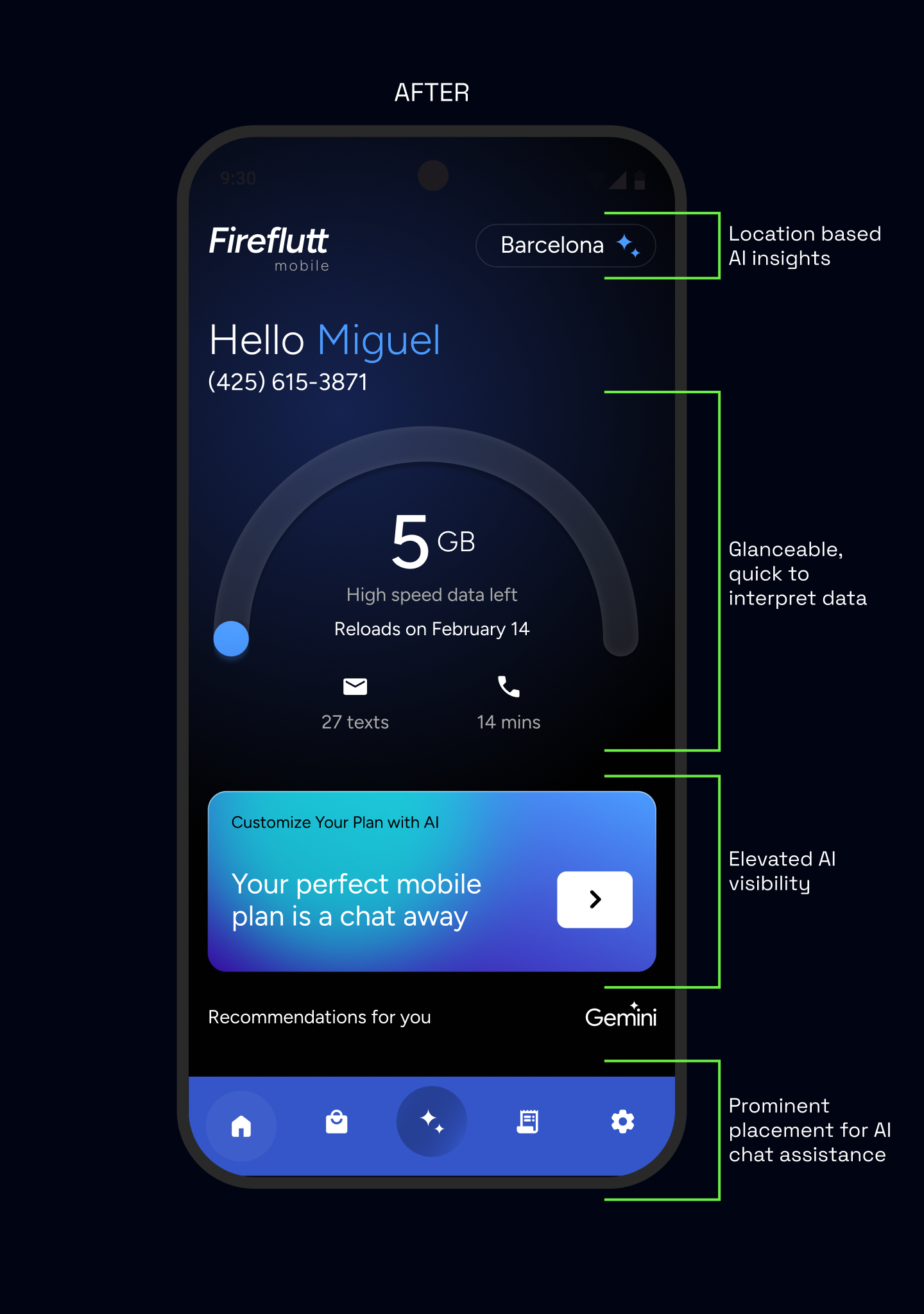
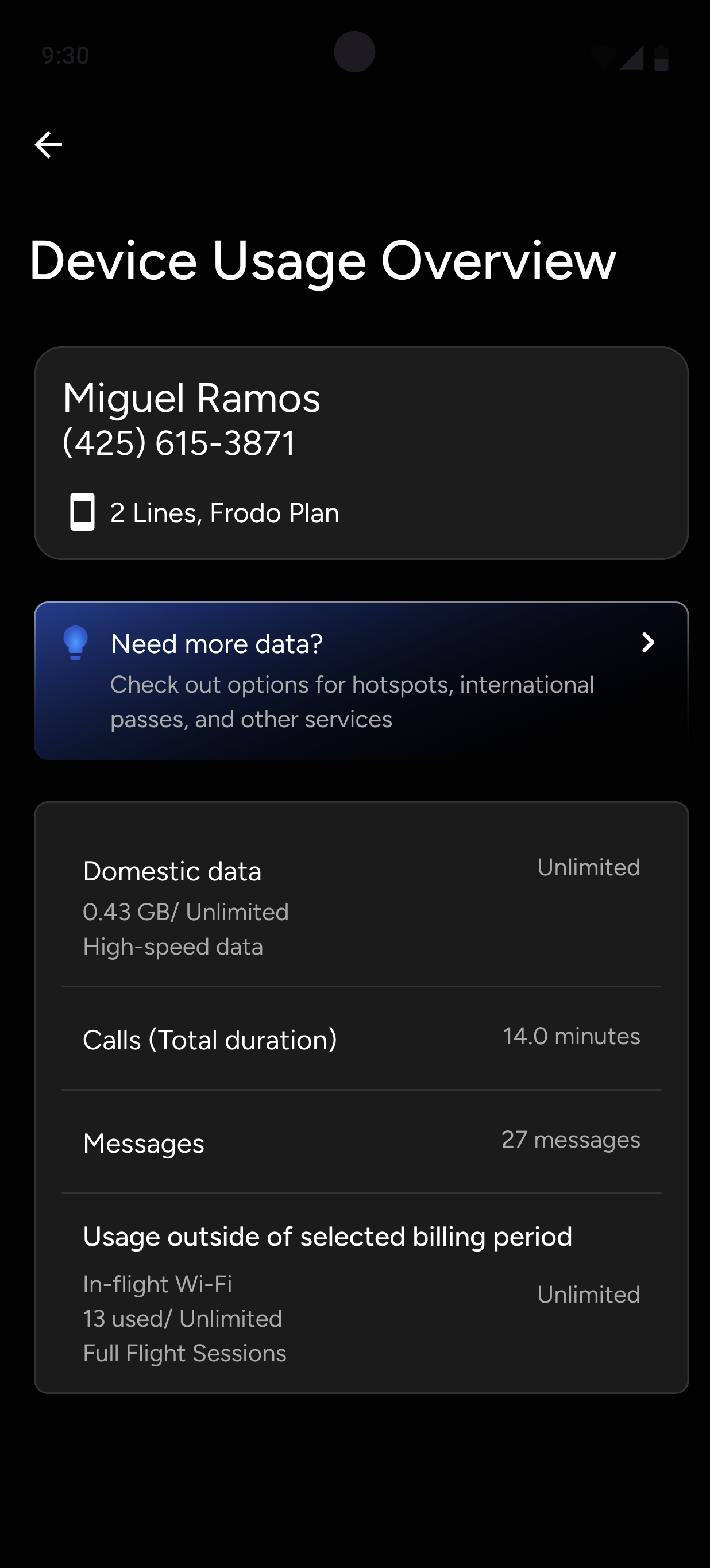
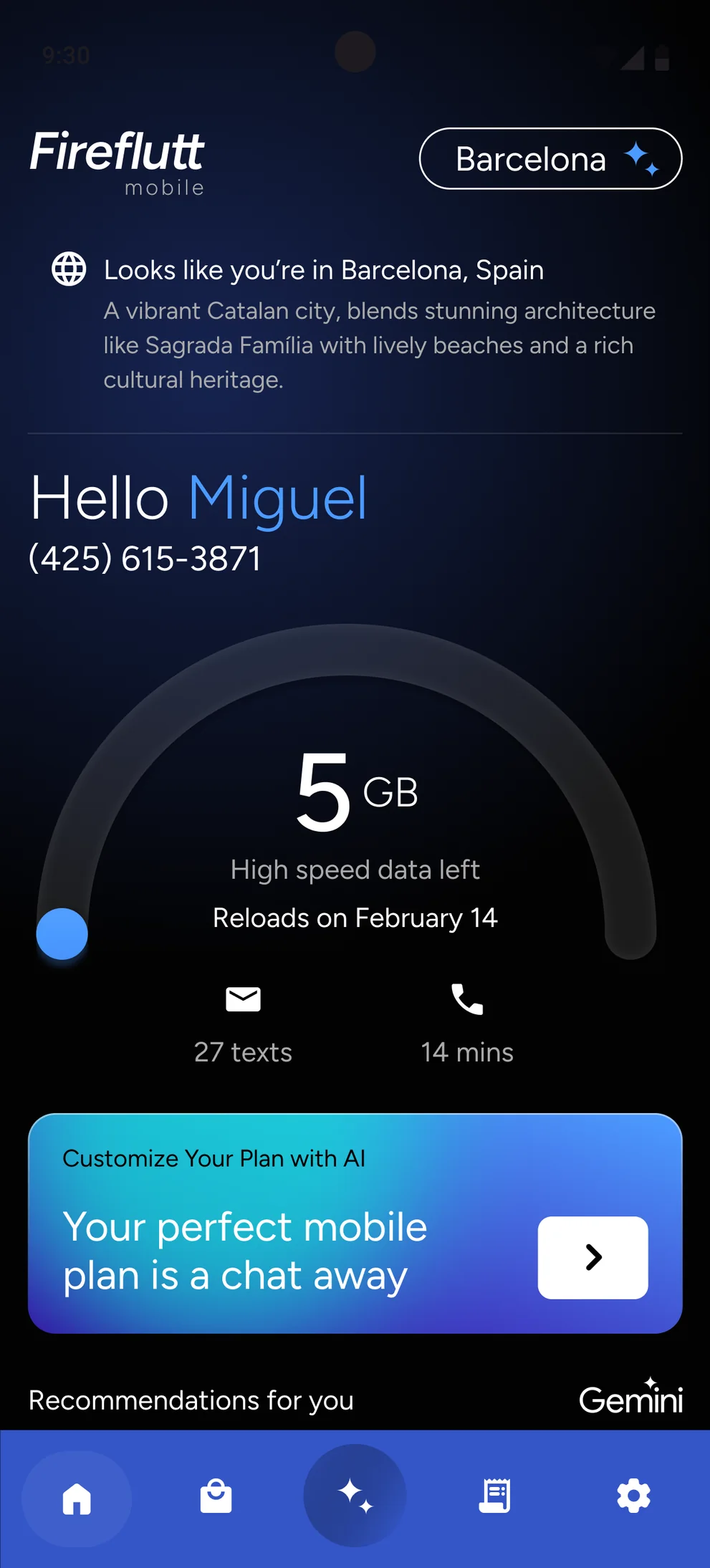
Six years across architecture and product design, designing what’s next – from India’s first carbon-positive modular home to shipping AI experiences with gskinner, brought to the world at Google I/O ’26 and MWC Barcelona ’25.

I believe every great design forms the basis for an even greater story and I’m here to keep writing mine.


TESTIMONIALS

In their words

Zainab is a detailed and analytical designer with a true eagerness to learn and discover new opportunities. Her core strengths lie in her exceptional technical skills and ability to embrace new technologies for building great products. Zainab is a proactive and reliable collaborator who excels at communicating with developers, stakeholders, and her fellow designers. Zainab has been a fantastic member of our team, and I am certain she has a bright future ahead as she continues her professional journey.

Jared Bell Jared Bell
Creative director at gskinner
Zainab is a very good designer to work with on daily basis. She has a deep care for human-centered design, which makes her design easier for end users to understand. While working with us she made sure, she took care of complex interactions and state management, which helped us to scale the projects very well.

Roopam Mishra Roopam Mishra
Founder at Phionike
Her work truly speaks for itself: it’s research backed, resilient against edge cases, and built with a beautiful aesthetic that is delightful to interact with. Zainab’s confidence and attention to detail make even the most complex challenges feel manageable. Whether vibe-coding or constructing 3D environments, she’s natural at tackling new tools and concepts with total fearlessness – an asset to any team!

Anna Groat Anna Groat
Product designer at gskinner

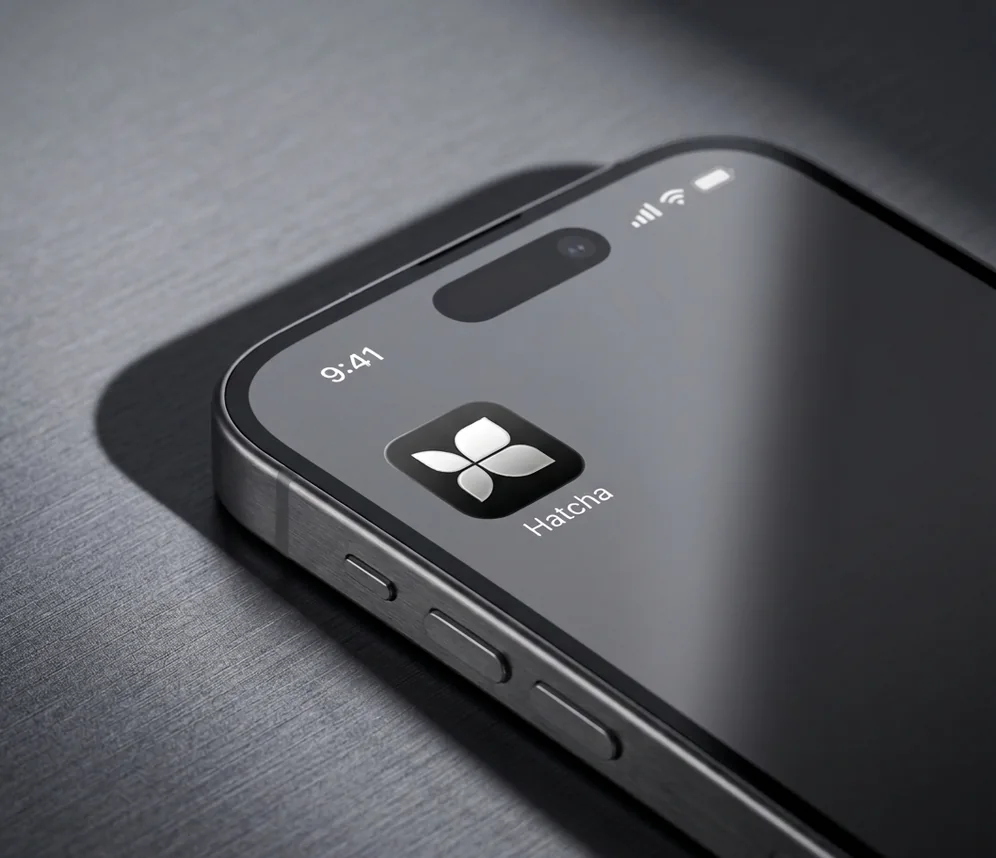
Hatcha

Designing for GenUI

Earlier this year, the Flutter team released GenUI: an SDK that enables AI to compose UIs based on your design system at runtime.

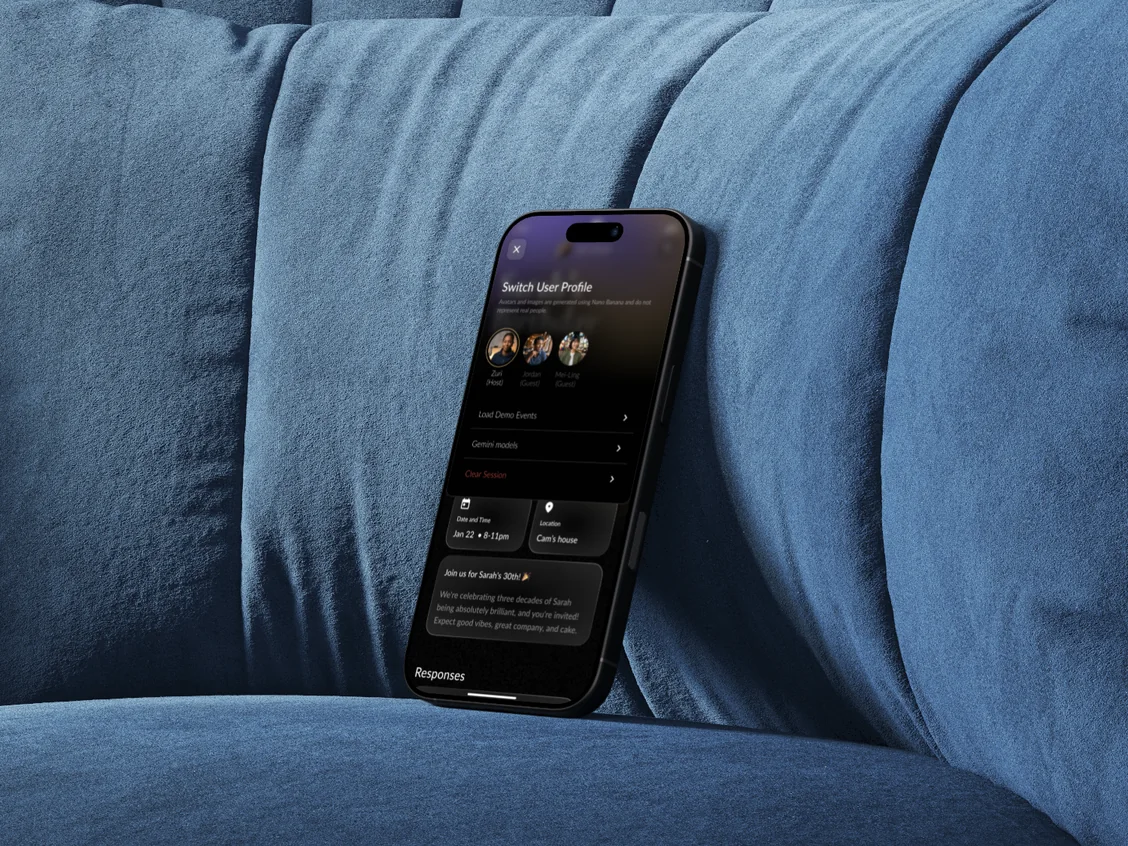
To help Google present it at Google I/O and Google Cloud Next, gskinner was challenged to conceptualize, design, and build Hatcha: an open-source event-planning app where a host plans an event through a conversational interview with AI, and GenUI generates dynamic, themed, and interactive invites. I was the collaborative lead for the design, and ended up rethinking what it means to be a designer.

Role
Collaborative Lead
Client
Google Flutter Team
Shipped
Google I/O 2026
Platform
Flutter / Mobile / Web
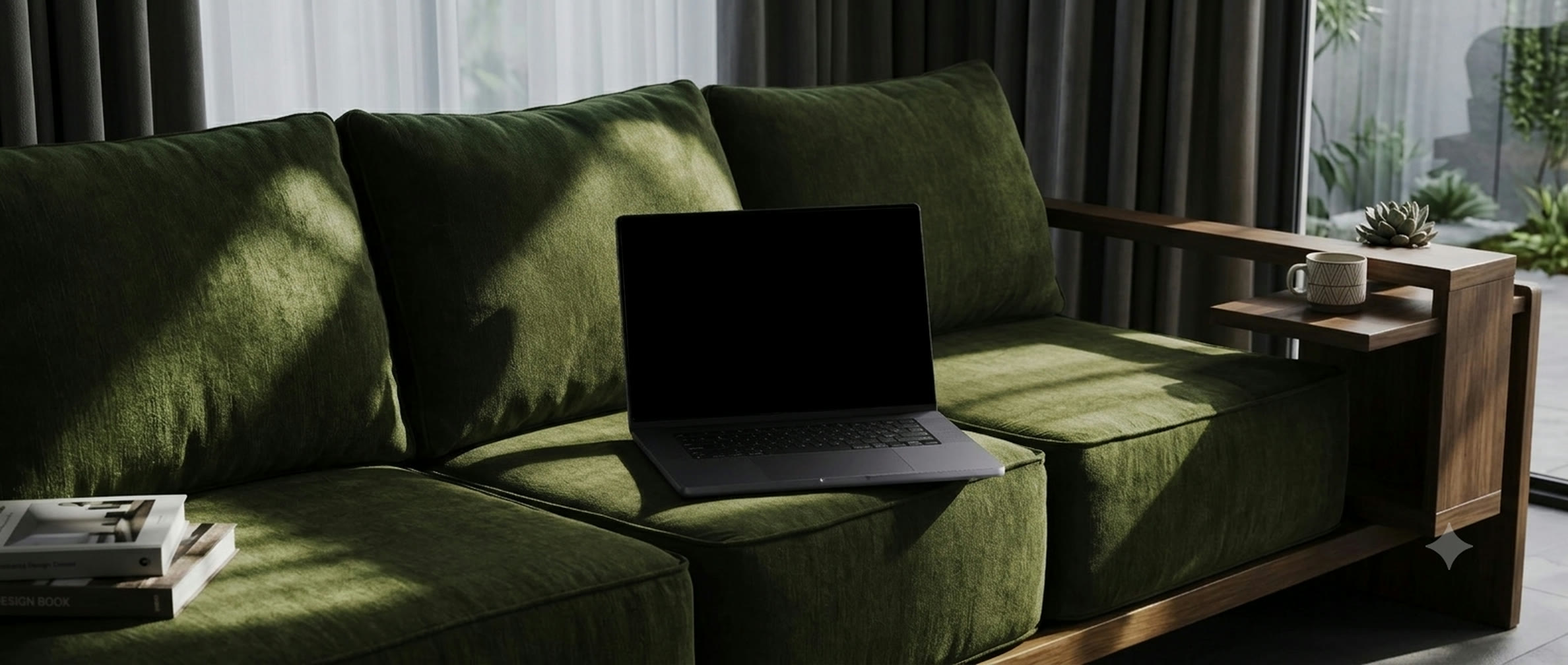
Hatcha — the event planner running on a laptop resting on a green sofa
01
The showcase app

An event planner that builds itself around what’s happening

We chose event planning because no two events are alike. Every event comes with its own goals, constraints, and moving parts. Making it the perfect environment for GenUI to demonstrate its ability to adapt.

Three roles, one composed surface
HostPlans the event
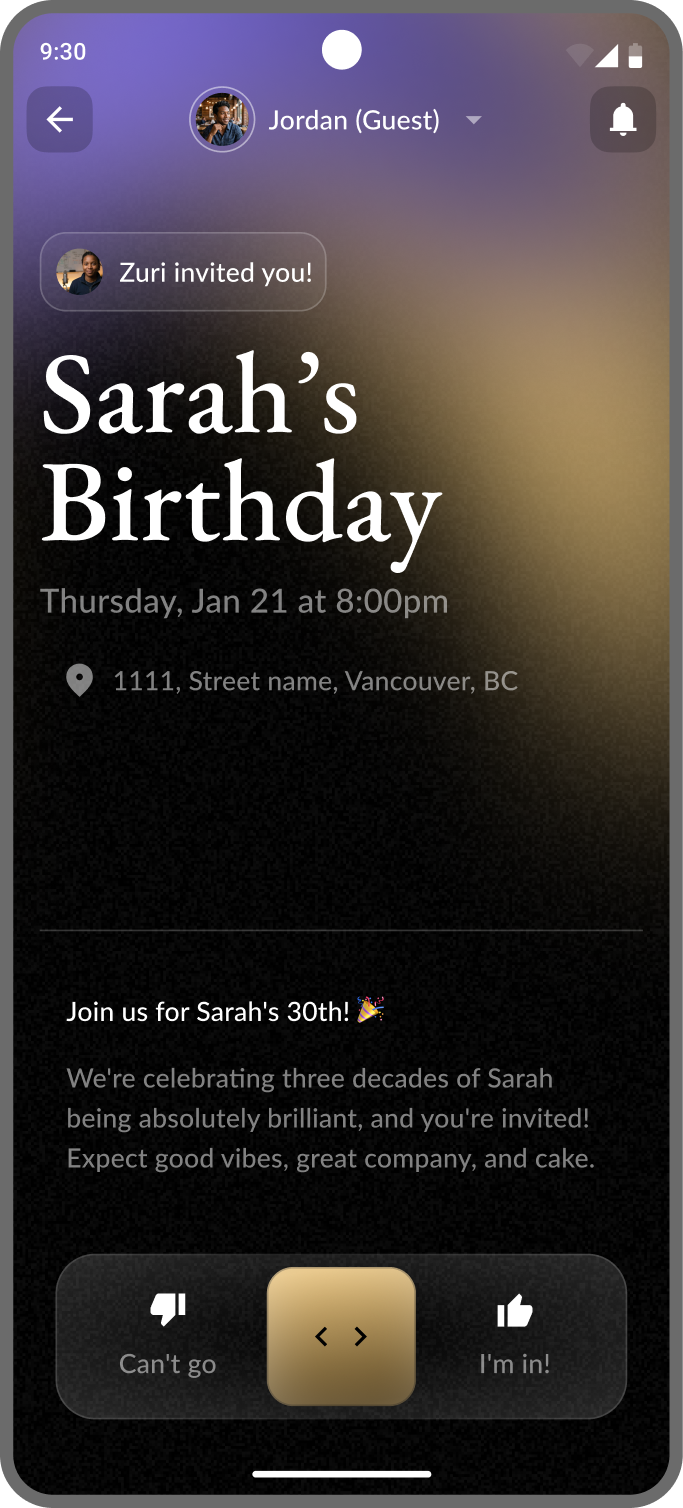
Answers a conversational interview. GenUI composes the questions and input components based on event type and intent – no two interviews are the same.
GuestResponds to the invite
Shares dietary needs, availability, and what they’re bringing. Each response feeds back into the host’s planning surface in real time.
PlanDashboard composes itself
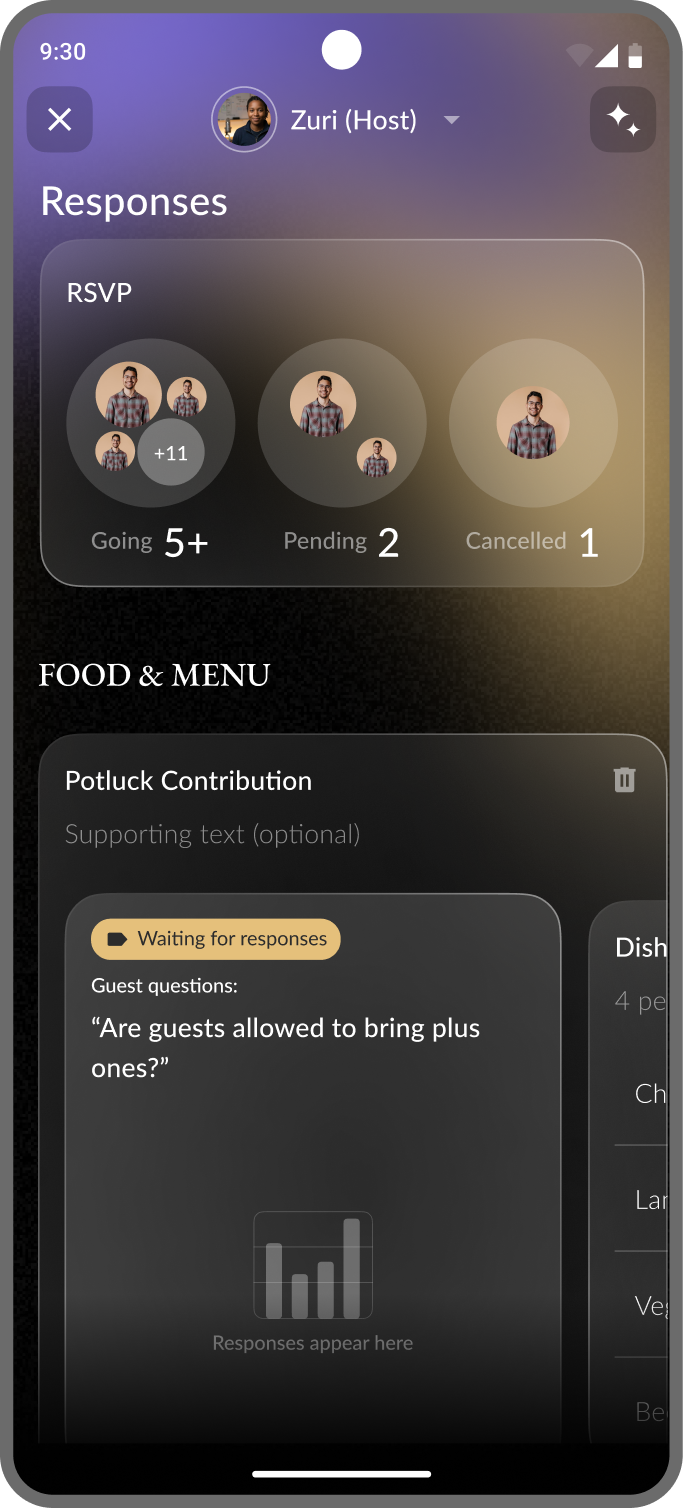
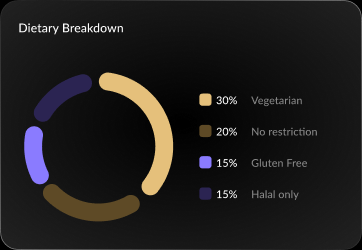
A potluck tracker when food matters, a dietary breakdown when allergies come in, a run sheet that builds from the availability guests share back.
02
The Problem

Every new event type meant new flows and still fell short

Design a wedding planner and you get one set of flows. A corporate retreat, another. A kid’s birthday, a potluck, each different. Pre-designing for every scenario meant the product felt like a generic form with extra steps, and still couldn’t cover the unique edge cases.

What needed to shift
Pre-designed
The GenUI answer
Design a bespoke set of flows for every event type
Stop trying to design every screen
A generic form with extra steps that still misses the edges
Design the system the AI composes from

“The screen wasn't the unit of design anymore. The goal was. Once I made that shift, everything else followed.”

03
Mindset shift

I had to stop thinking in user flows

Early on I was still designing screens: host interview flow, dashboard flow, guest response flow. That’s what designers do. But the more we worked with GenUI, the more obvious it became: the screen wasn’t the unit of design. The goal was.

The shift in thinking
Before
GenUI approach
Map every event type, build flows for each — still miss edge cases
Define what the user is trying to do; let GenUI compose the right surface
Screen is the unit of design
Goal is the unit of design
Fixed output — same UI for everyone
Composed at runtime, responds to this user, this event, this moment
What I did
Recognised partway through that I was mapping the wrong thing. Stopped building flows and started mapping goals: what the host needs at each stage, what a guest needs at each moment, then redesigned my deliverables around that intent.
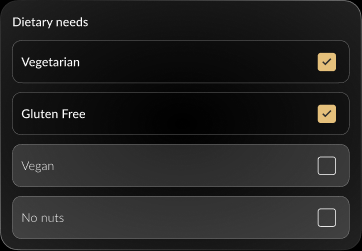
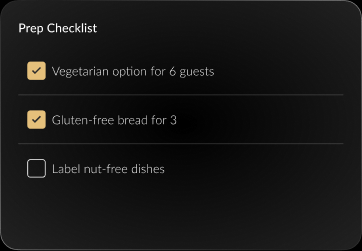
The criteria in action: same data, three different goals
1
Guests responding
Guests responding — dietary needs checklist
2
Host dashboard — next day
Host dashboard — dietary breakdown chart
3
Shopping list — preparing for the event
Shopping list — prep checklist
04
Core framework

We defined the shell: what stays fixed, what GenUI composes

Users shouldn’t have to relearn the interface for every event. The shell remains fixed, creating predictable navigation and actions, while GenUI customizes everything inside to match the event’s context and intent.

The fixed / flexible boundary
Fixed — every time
GenUI composed — different every time
Navigation and bottom bar
Interview questions, shaped by event type and intent
Progress indicator
Input components: sliders, chips, selects, free text
Primary CTA · close & escape hatches
Dashboard modules · planning cards · guest response surfaces
Page title and shell structure
Background image controls
My contribution
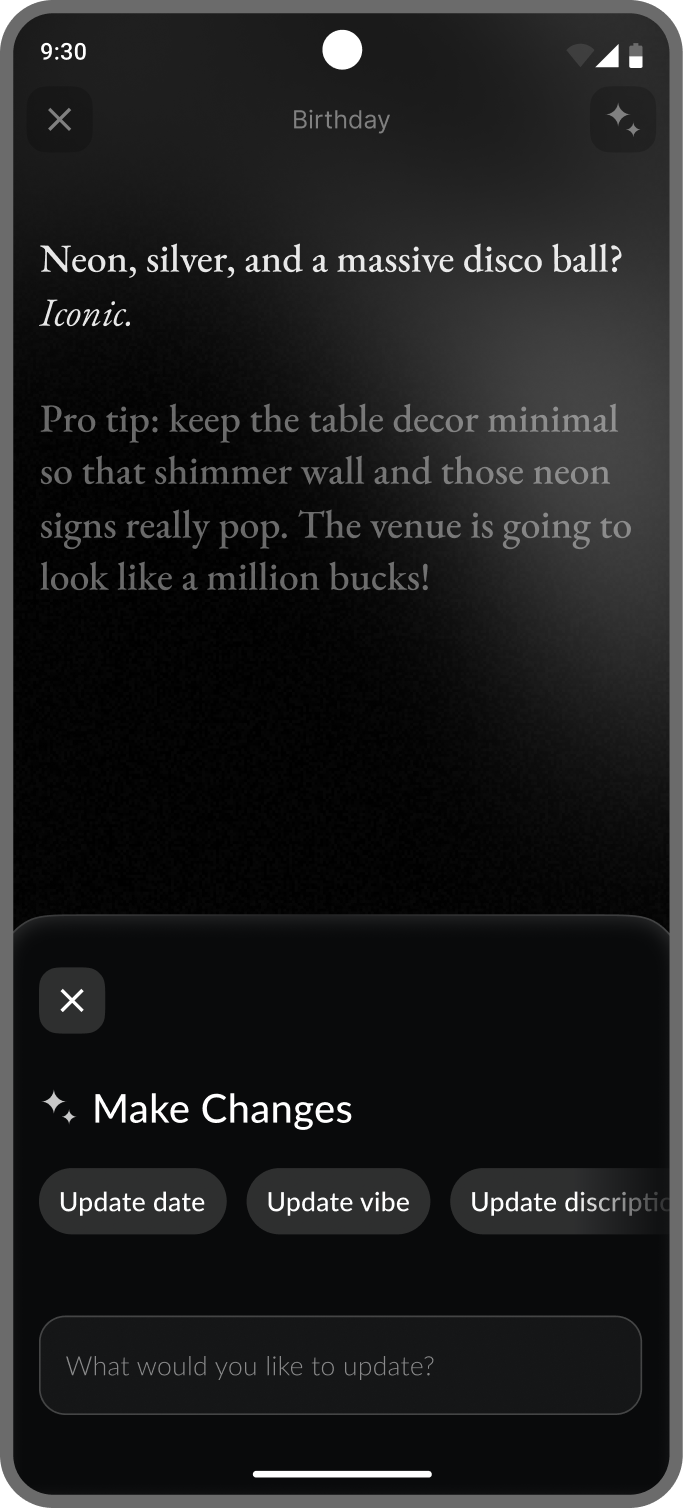
Working with my co-designer, I mapped the fixed/flexible boundary across every surface. My focus was the interview: how the agent’s questions and the components it reaches for shift together with event context.
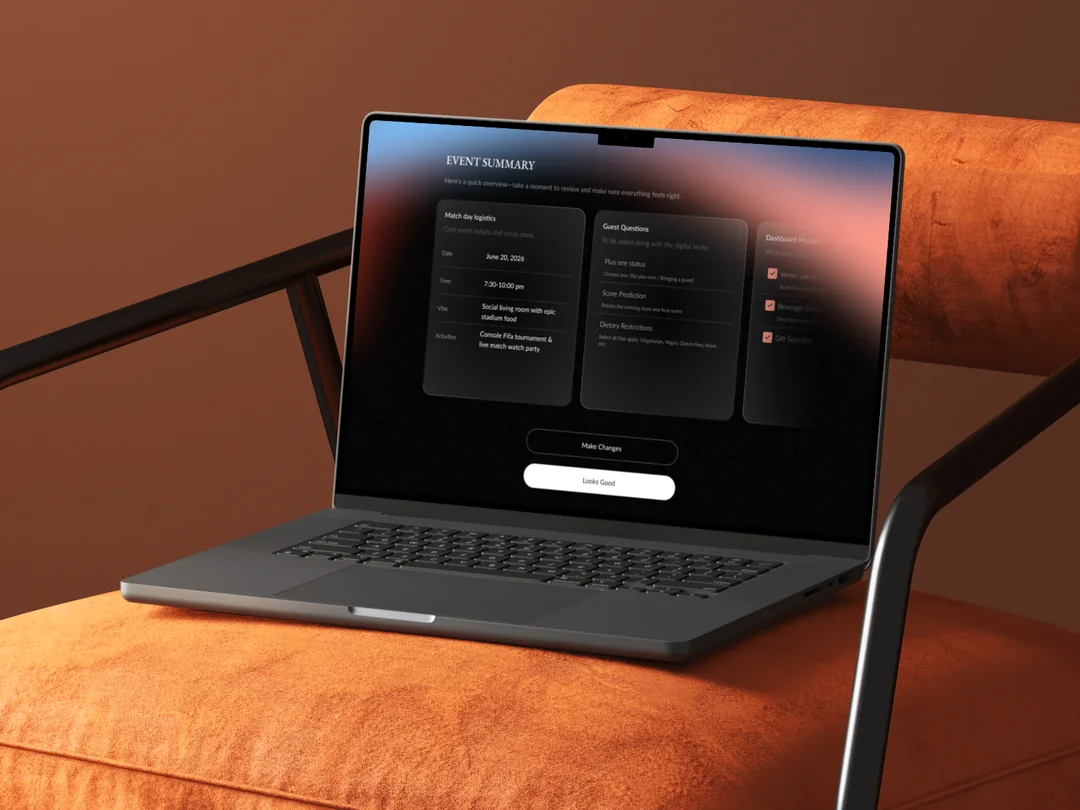
One shell, two composed interiors — the interview and the event summary
NavigationFixed / Consistent
Interview questionsGenUI composed /
Flexible
Primary CTAFixed / Consistent
NavigationFixed / Consistent
Event summary cardsGenUI composed /
Flexible
Primary CTAFixed / Consistent
05
My core work

Building the system GenUI composes from

GenUI is only as good as the components it can reach for and the rules that govern them. Before AI could compose interfaces, it needed a design system that balanced flexibility with consistency, and a large part of the work wasn’t designing components but teaching GenUI when and how to use them.

What I did
Built the entire design system from scratch: atoms, tokens, form and GenUI-specific components. I authored the component spec system (use-when / avoid-when / examples) fed into each GenUI loop as system prompts: the foundation for how GenUI selected and composed UI.
1 · Build the system
Atoms → tokens → form components → rich components → data-viz components
2 · Define variability
Spec each component for the range of contexts GenUI will invent
3 · Author criteria
Use-when / avoid-when examples injected as system prompts
4 · Test & refine
See what GenUI reaches for, fill the gaps, rewrite until right
06
Theme system

Designing the rules for colour and image, not the output

As a host answers the interview, GenUI generates a themed invite, with no palette and no background image drawn in advance. My job was to design the rules that make every generated result feel intentional.

What I did
Designed the colour system and wrote the grading logic and prompt that governs how GenUI selects event-appropriate palettes. Separately defined the image-generation guardrails: mood, composition, positioning, exclusions, so every background feels intentional and brand-safe regardless of event type.
The colour palette system

I designed a four-role colour system. The prompt I authored tells the AI how to select a palette using that grading system as the constraint. A children’s birthday and a corporate dinner will never share a palette, but both will always be internally coherent.

Validate
Accessibility contrast
Dark mode optimized
Cohesive visual identity
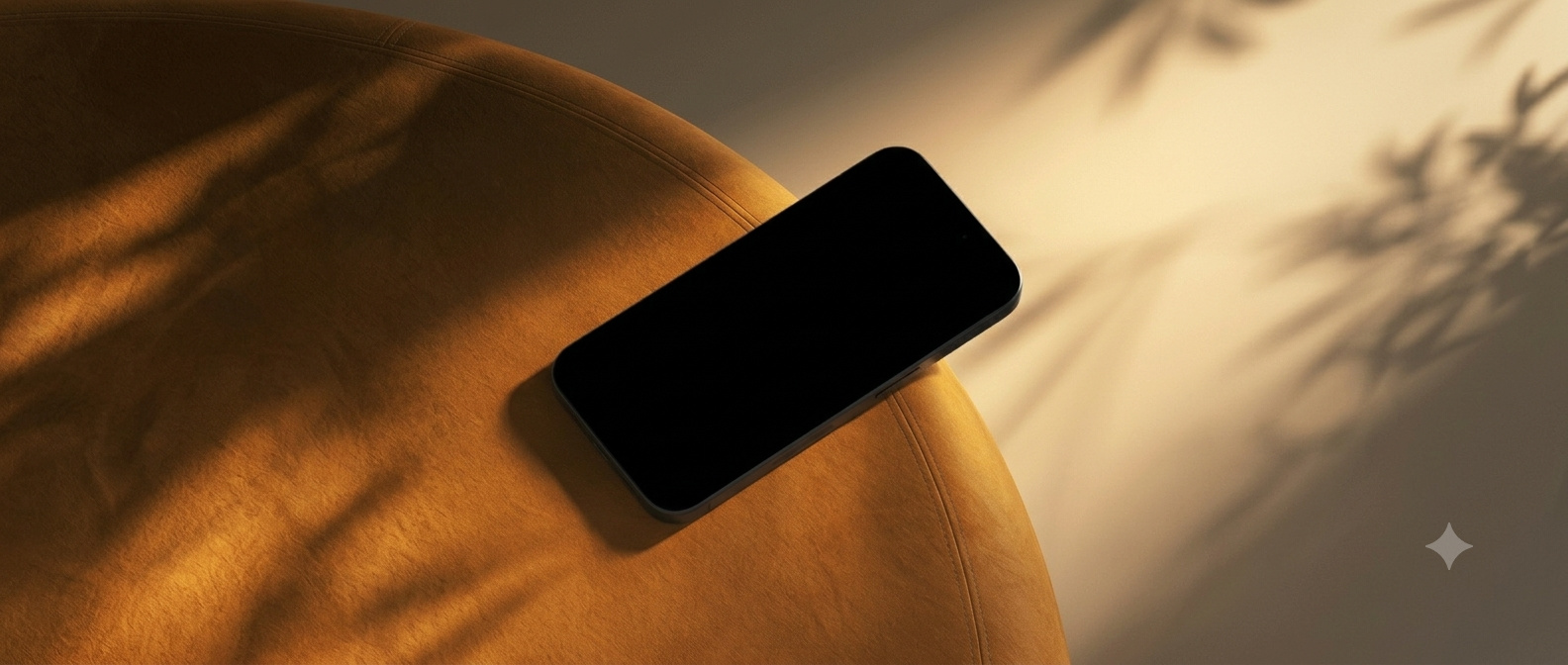
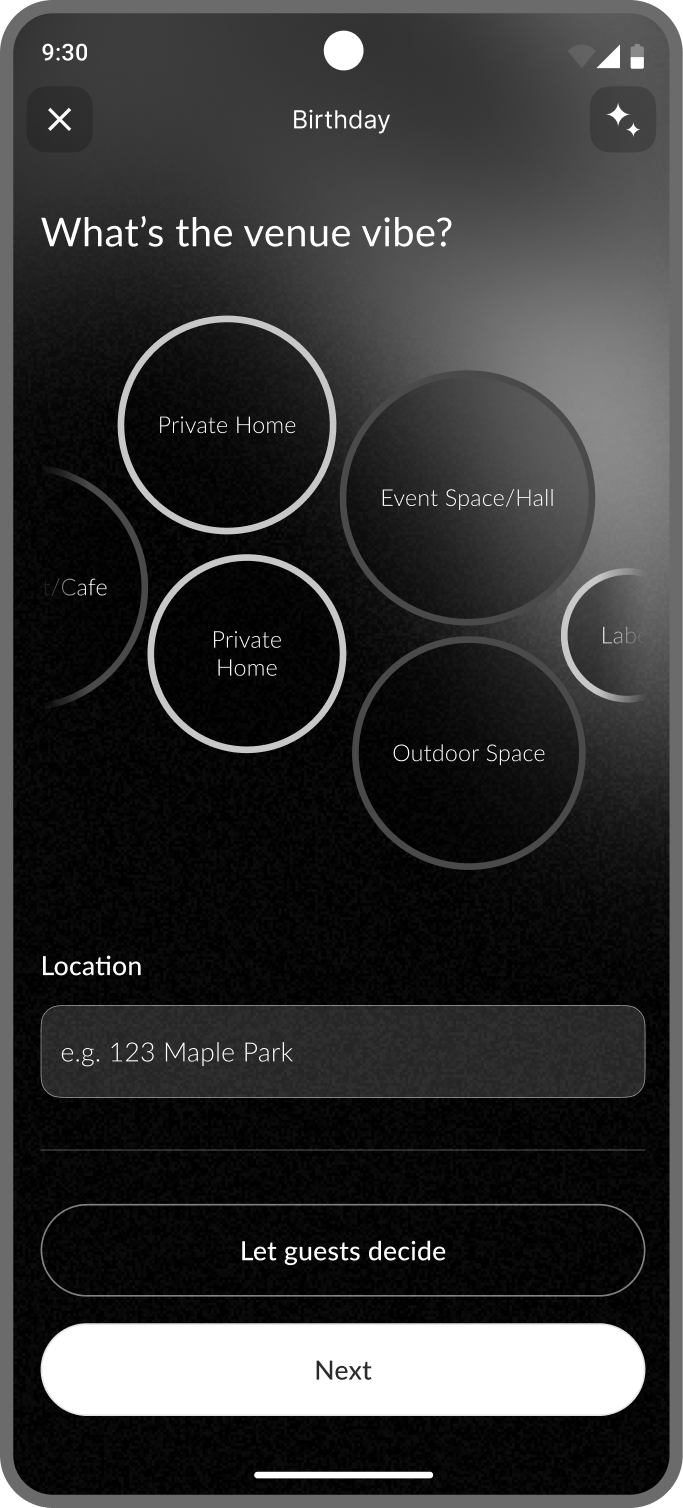
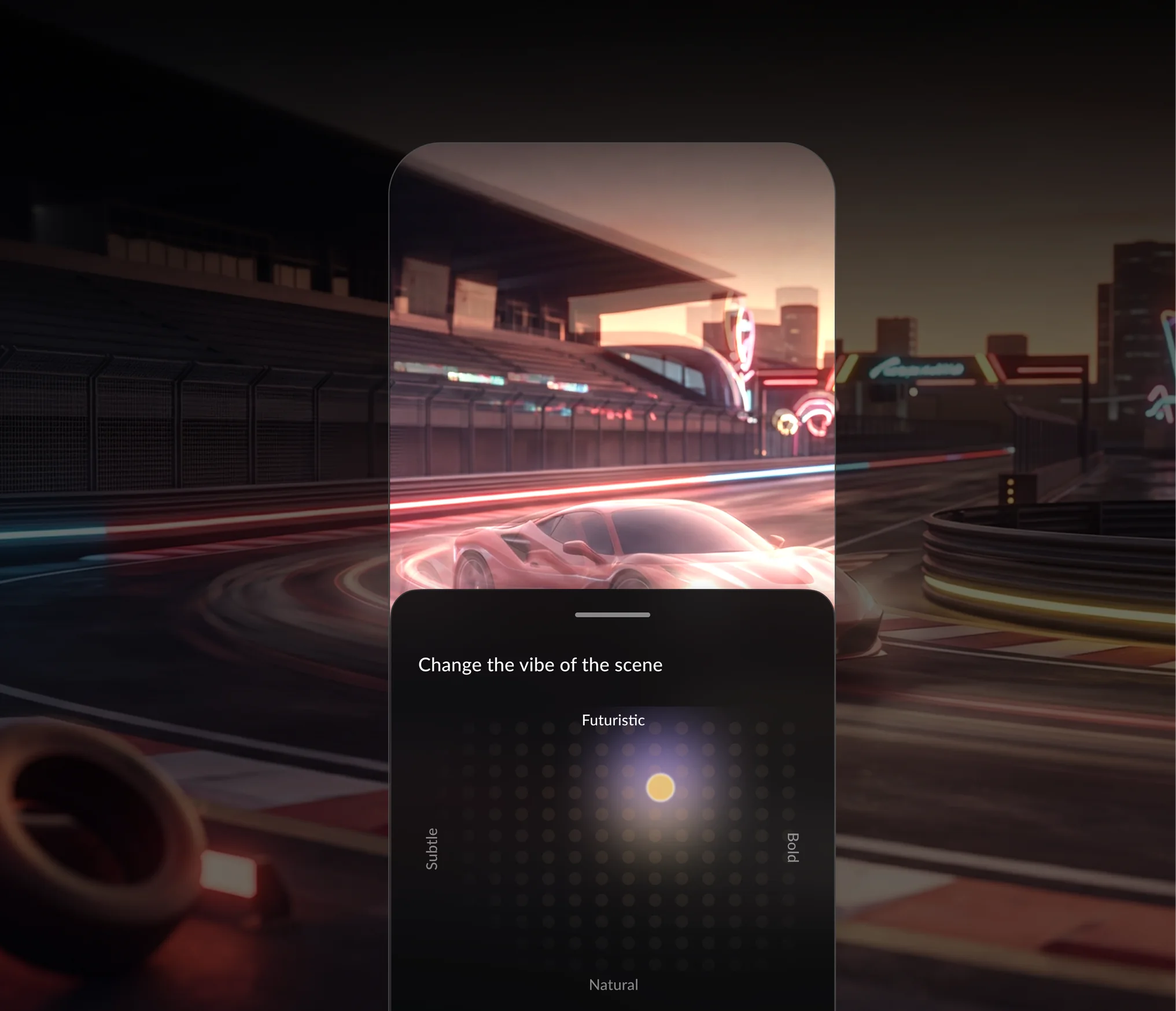
Phone — change the vibe of the scene
Image generation guardrails

I also defined how background images are generated, from mood and composition to visual character, based on insights gathered from the host.

Should include
Mood & visual character suited to event type
Image positioning and compositional rules
Palette relationship with the generated theme
Always excluded
No humans or faces
No text or typography
No logos or brand marks

“Less flow-charting. More system thinking. The designer's job didn't disappear – it moved upstream.

07
Outcome

Shipped at Google I/O 2026

Demonstrated live to a developer audience as the showcase for Flutter’s GenUI SDK. One of the first design systems built on the alpha, the component criteria we wrote contributed to how the Flutter team thought about GenUI’s design guidance.

What shipped
Shipped
Demonstrated live at Google I/O 2026 and Google Next 2026 to a global developer audience
0 screens
The dashboard was never fully designed — it was composed at runtime from the system we built
Alpha SDK
One of the first design systems built on Flutter GenUI
New model
The fixed/flexible framework became reusable design thinking for GenUI products
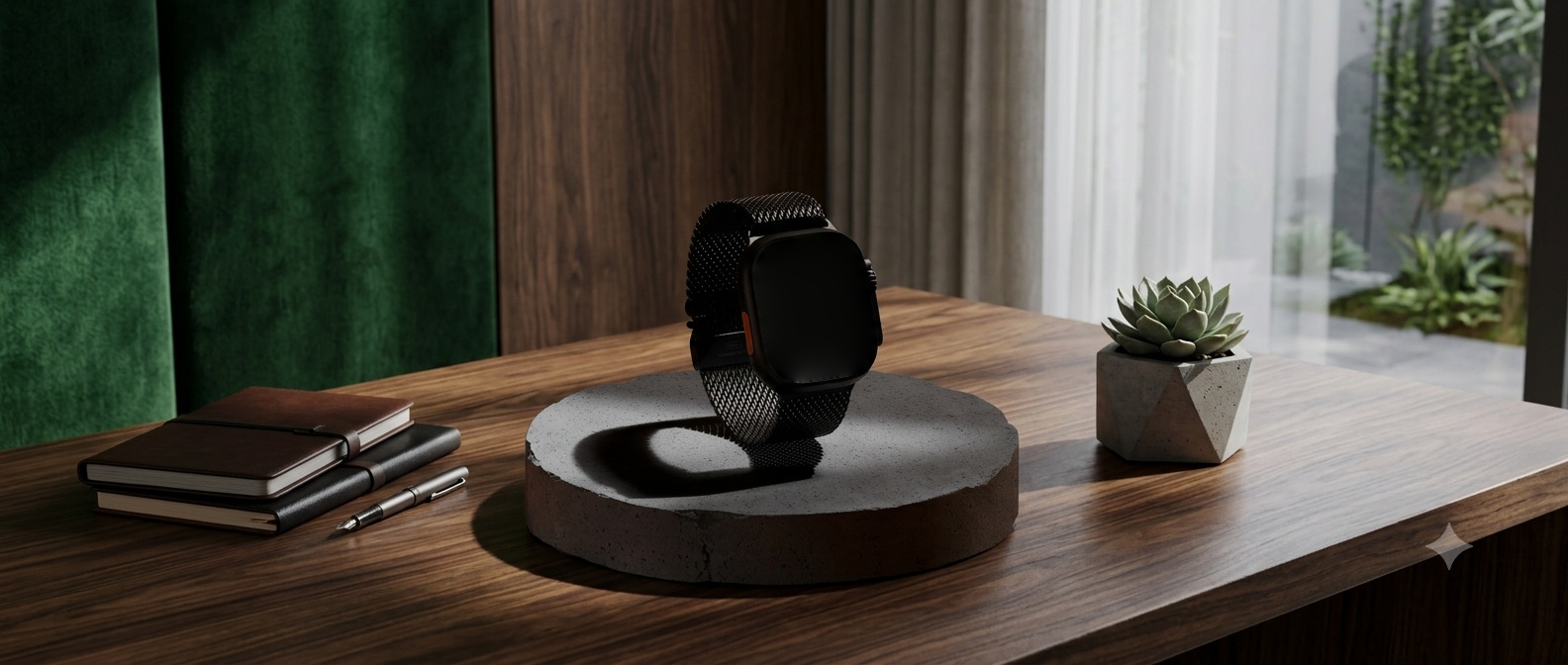
Hatcha event planner running on an iPad Pro

What designing for GenUI
actually changed

The work didn’t disappear. It moved. From drawing every screen to curating a system the AI composes from. From mapping flows to mapping goals. From predicting every scenario to defining the rules of every scenario.

Read next

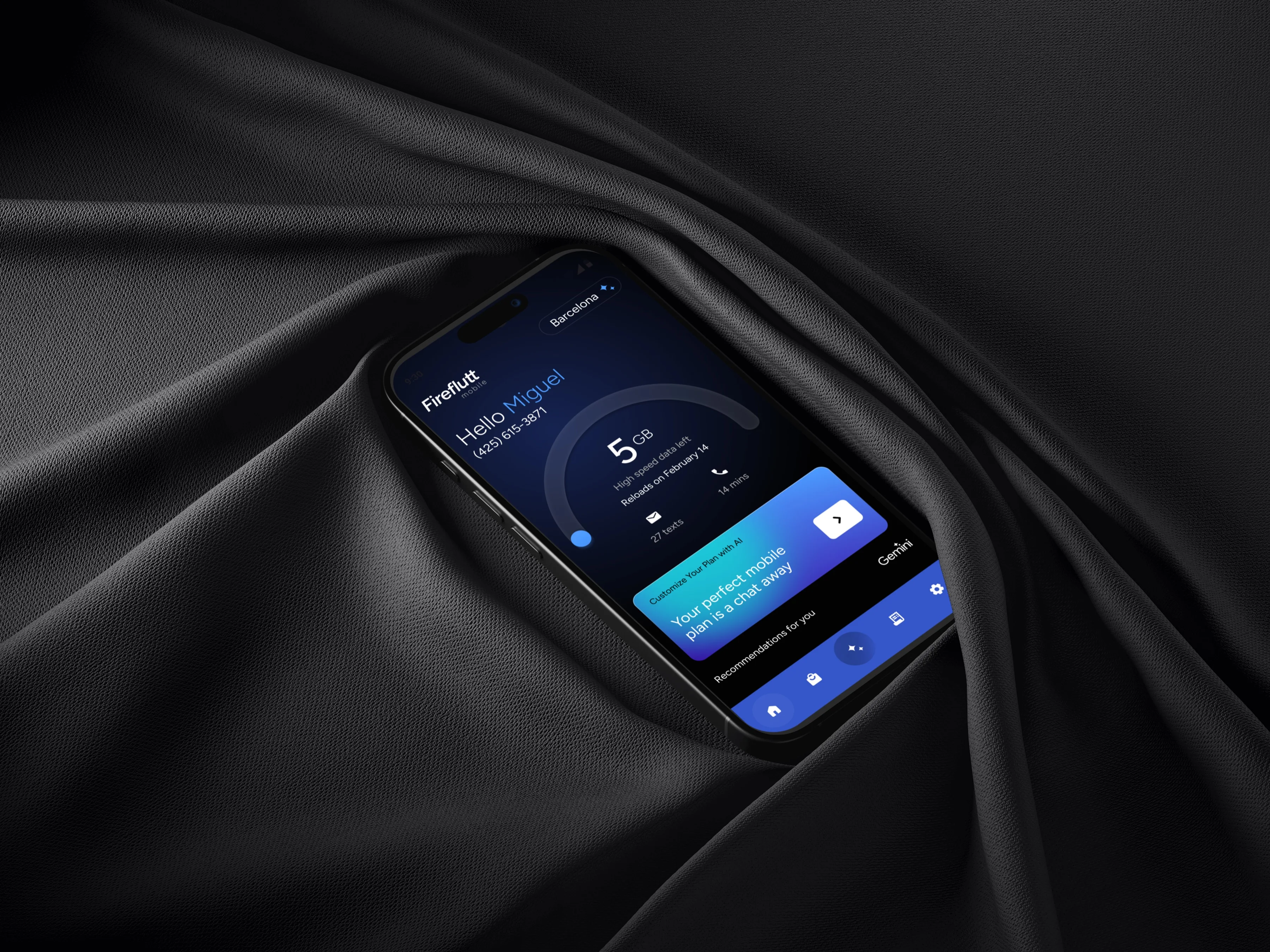
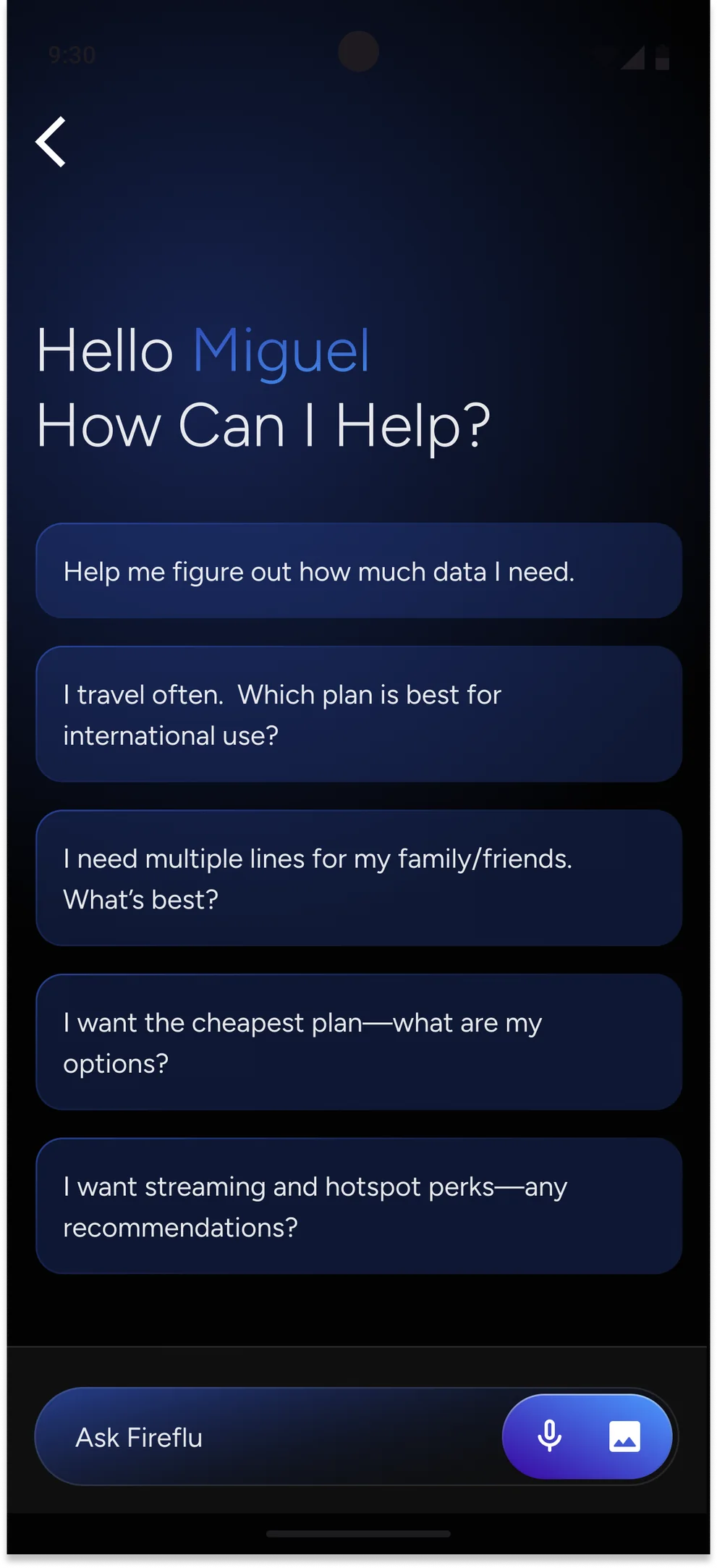
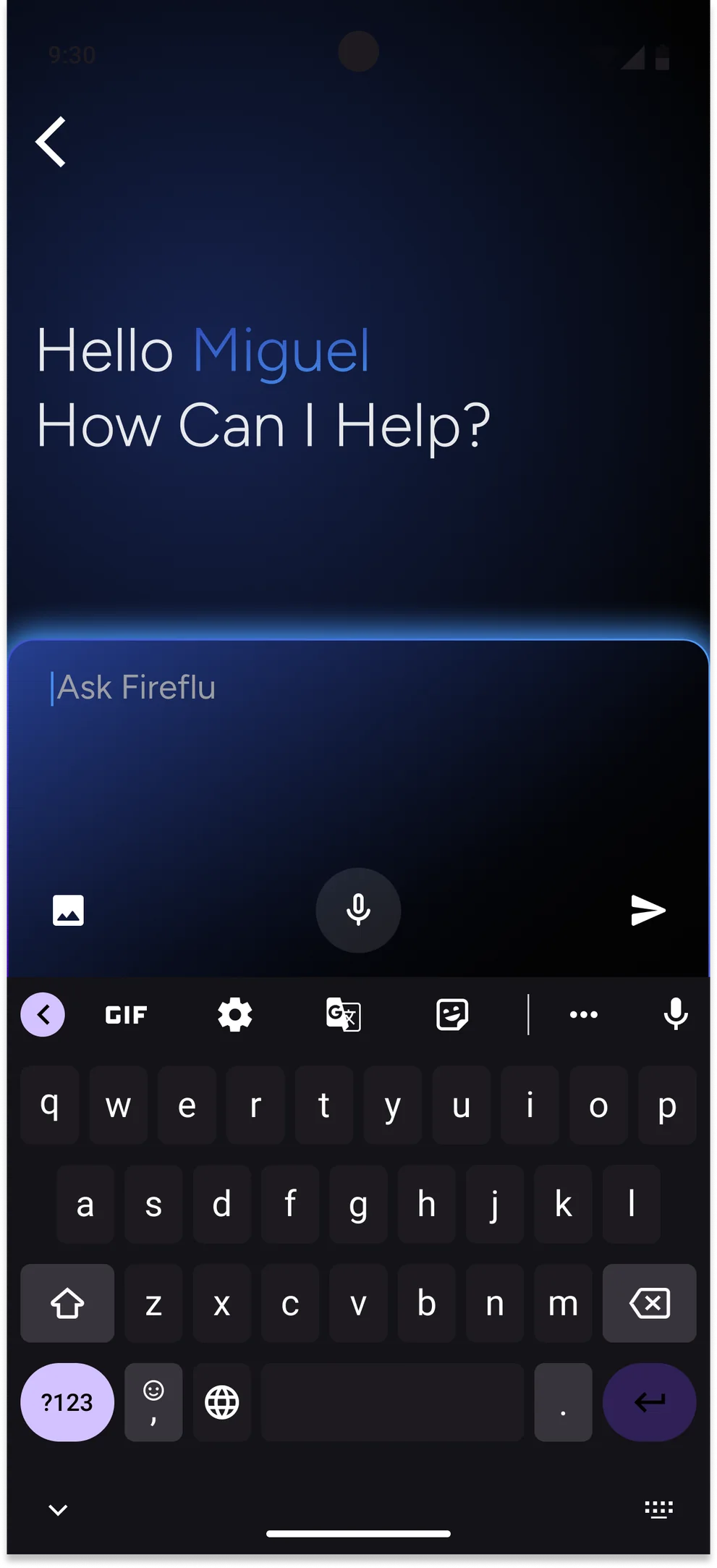
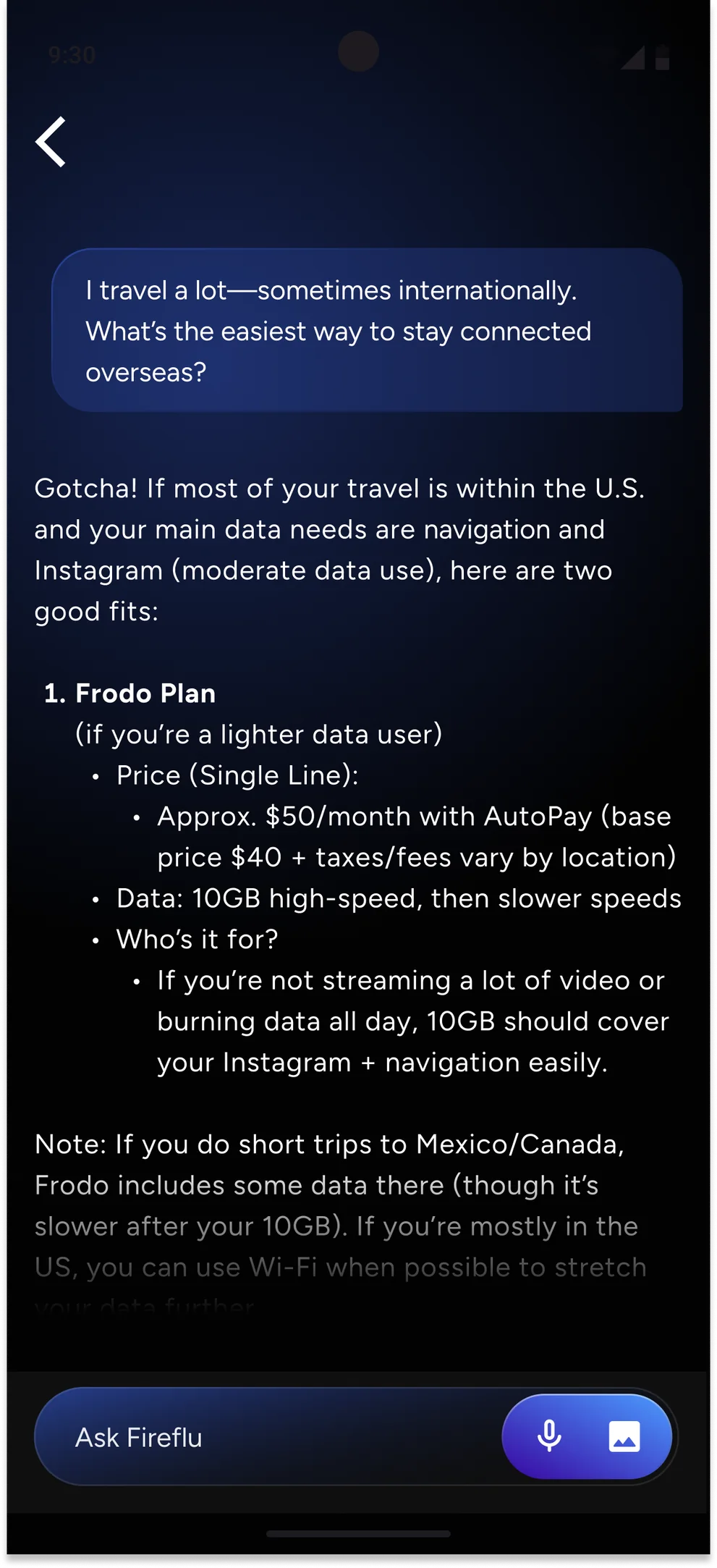
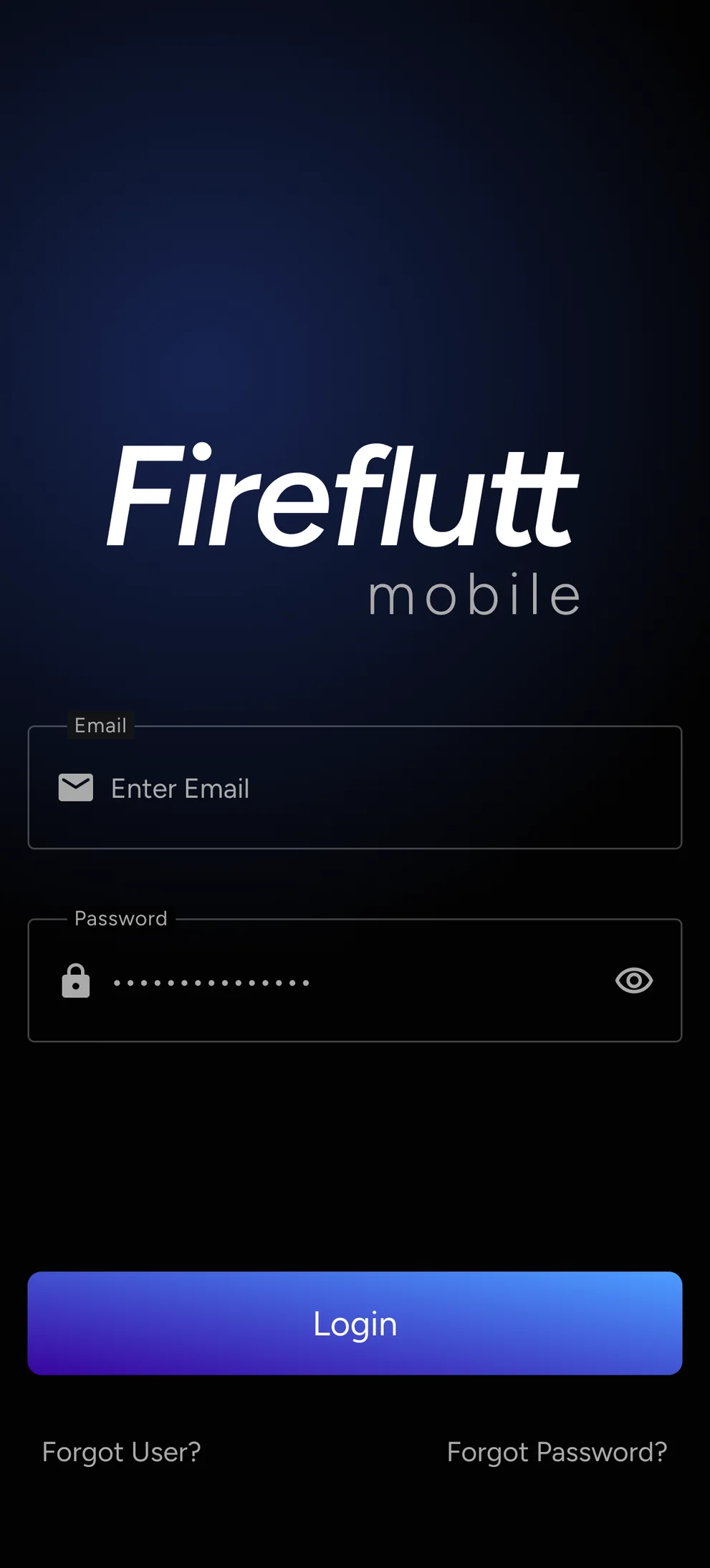
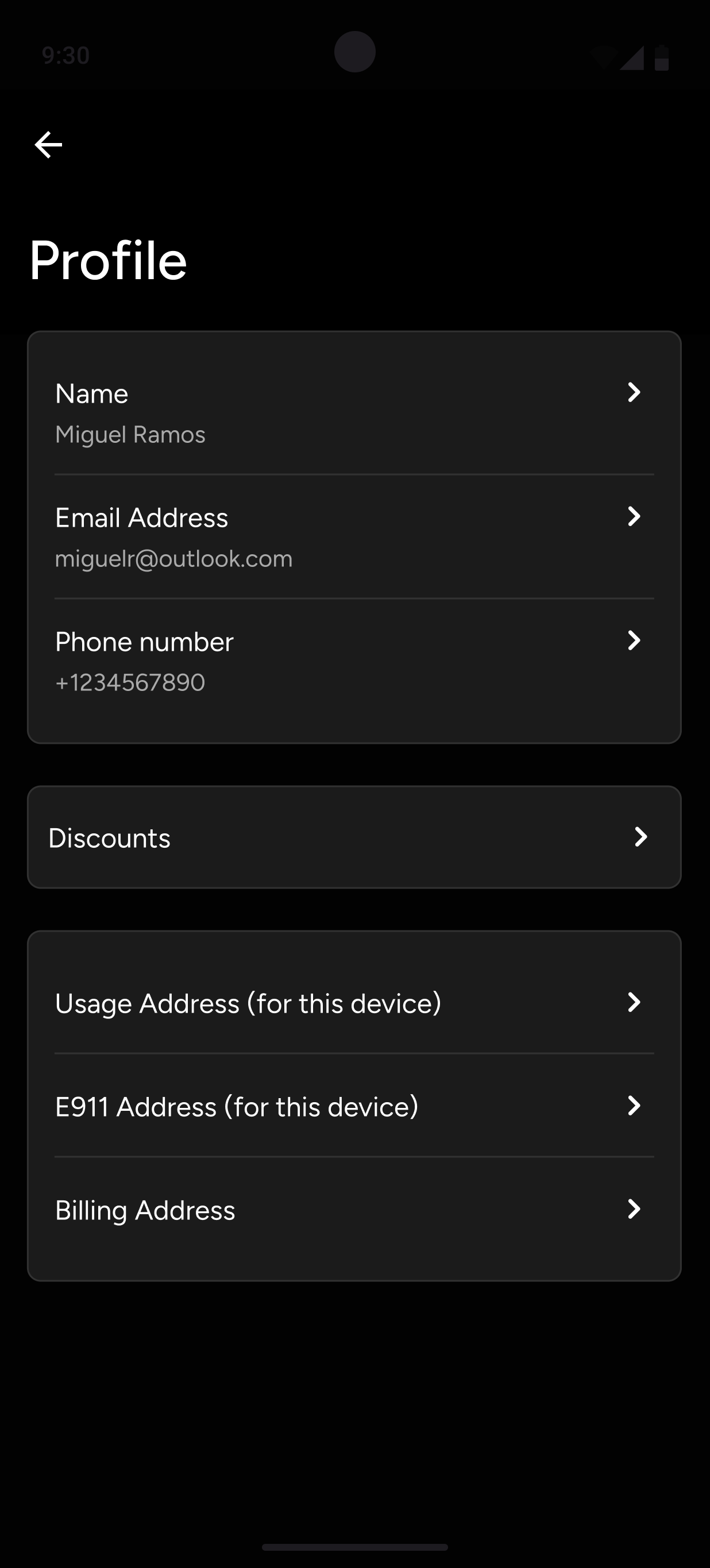
Fireflut

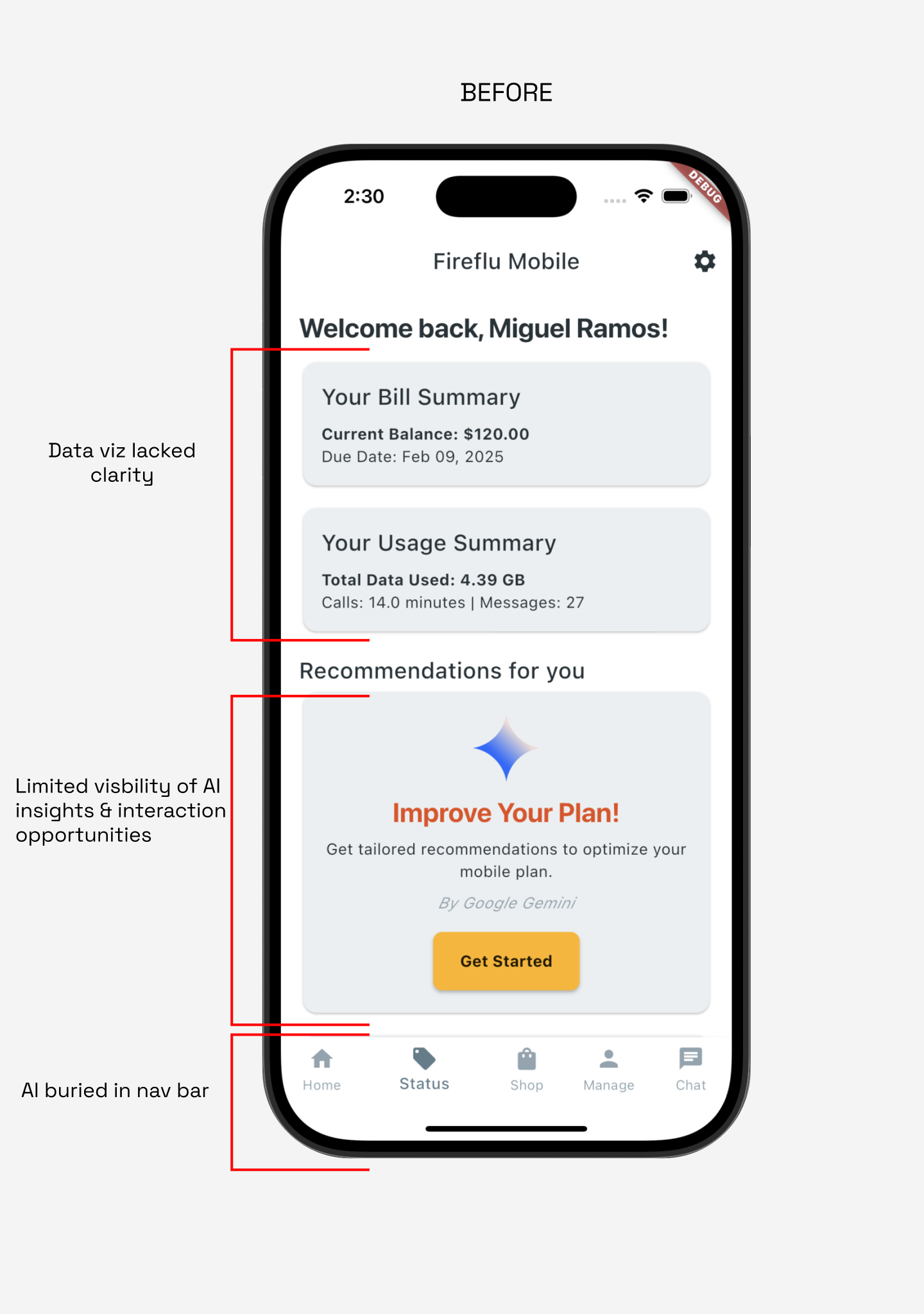
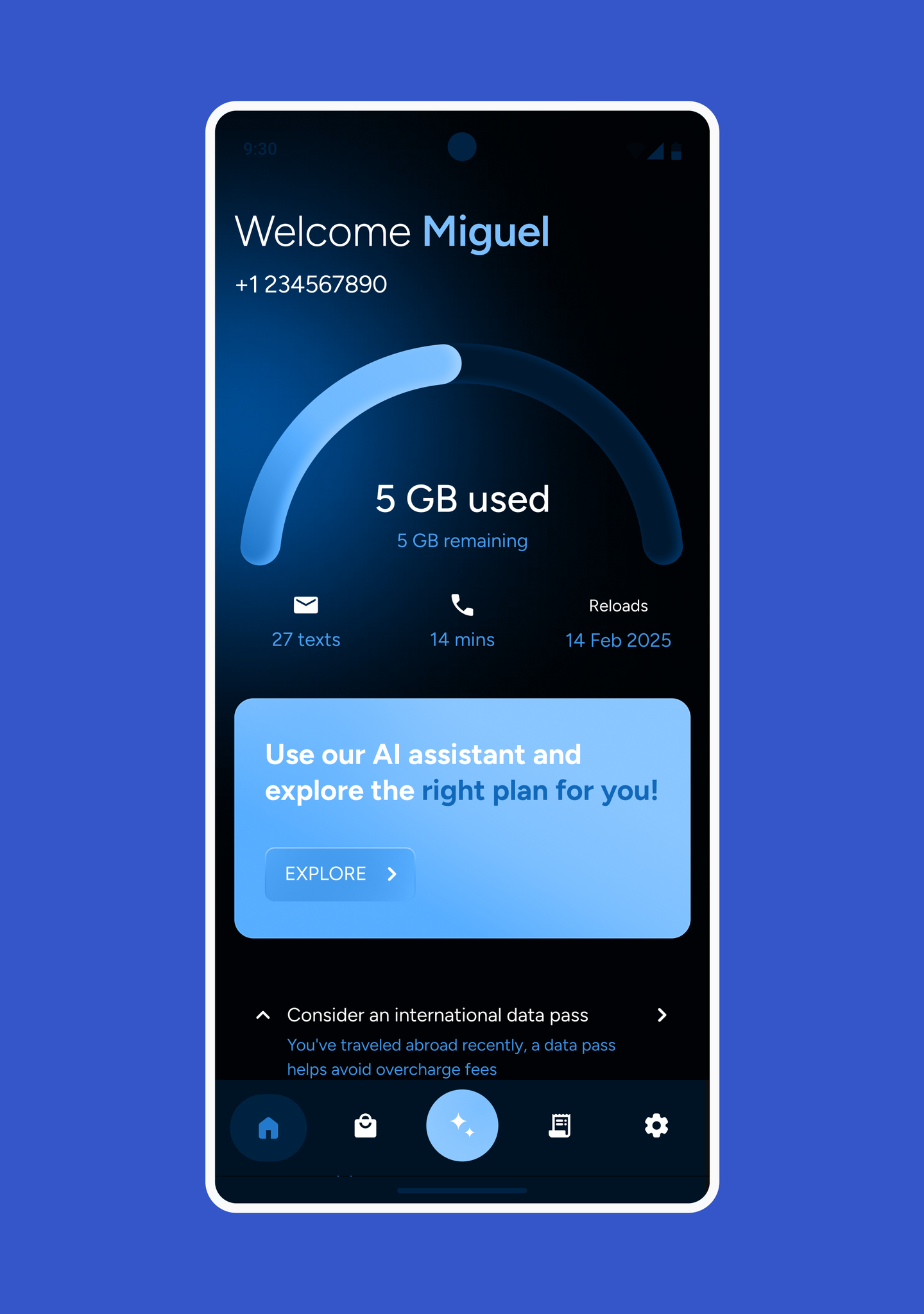
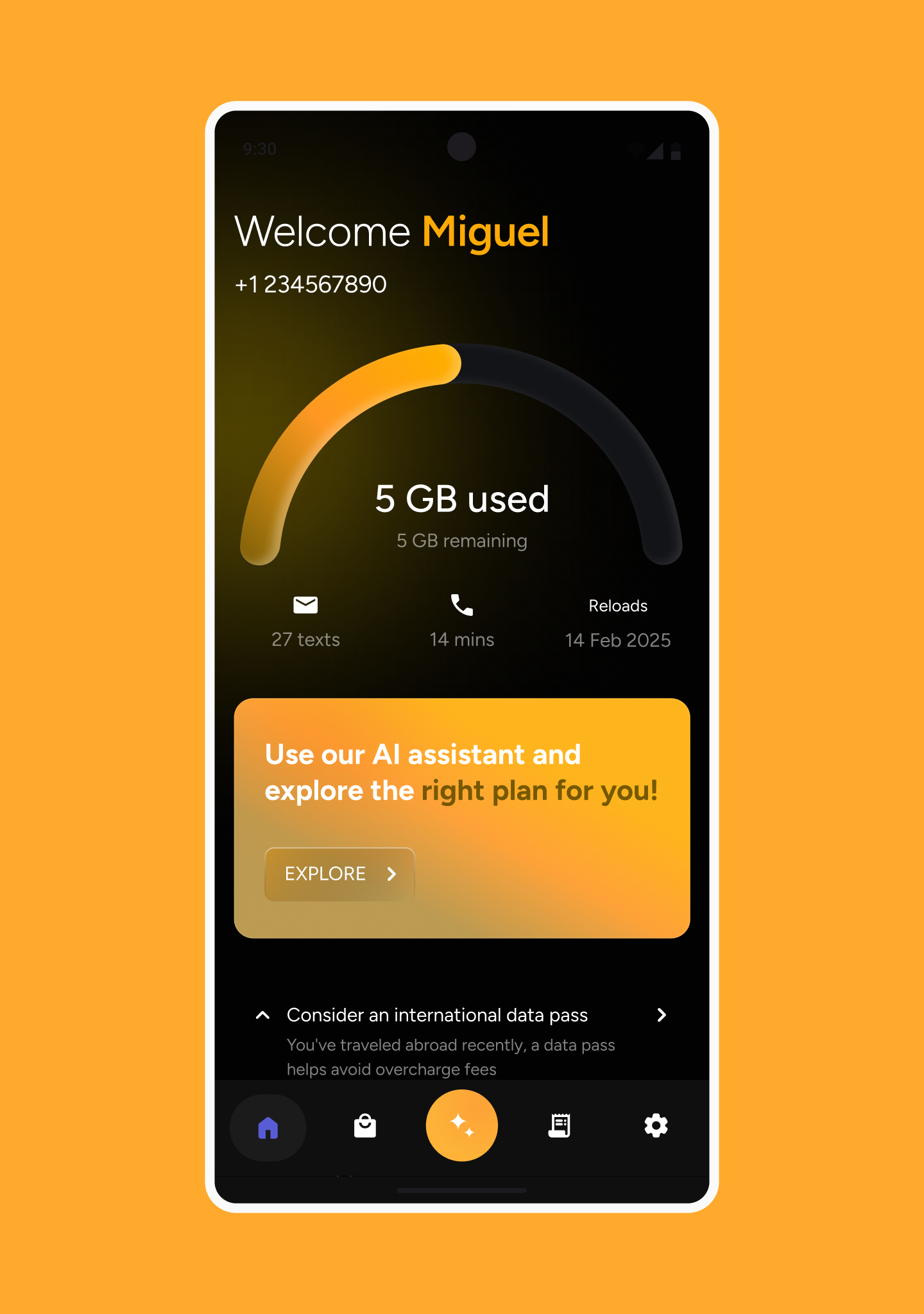
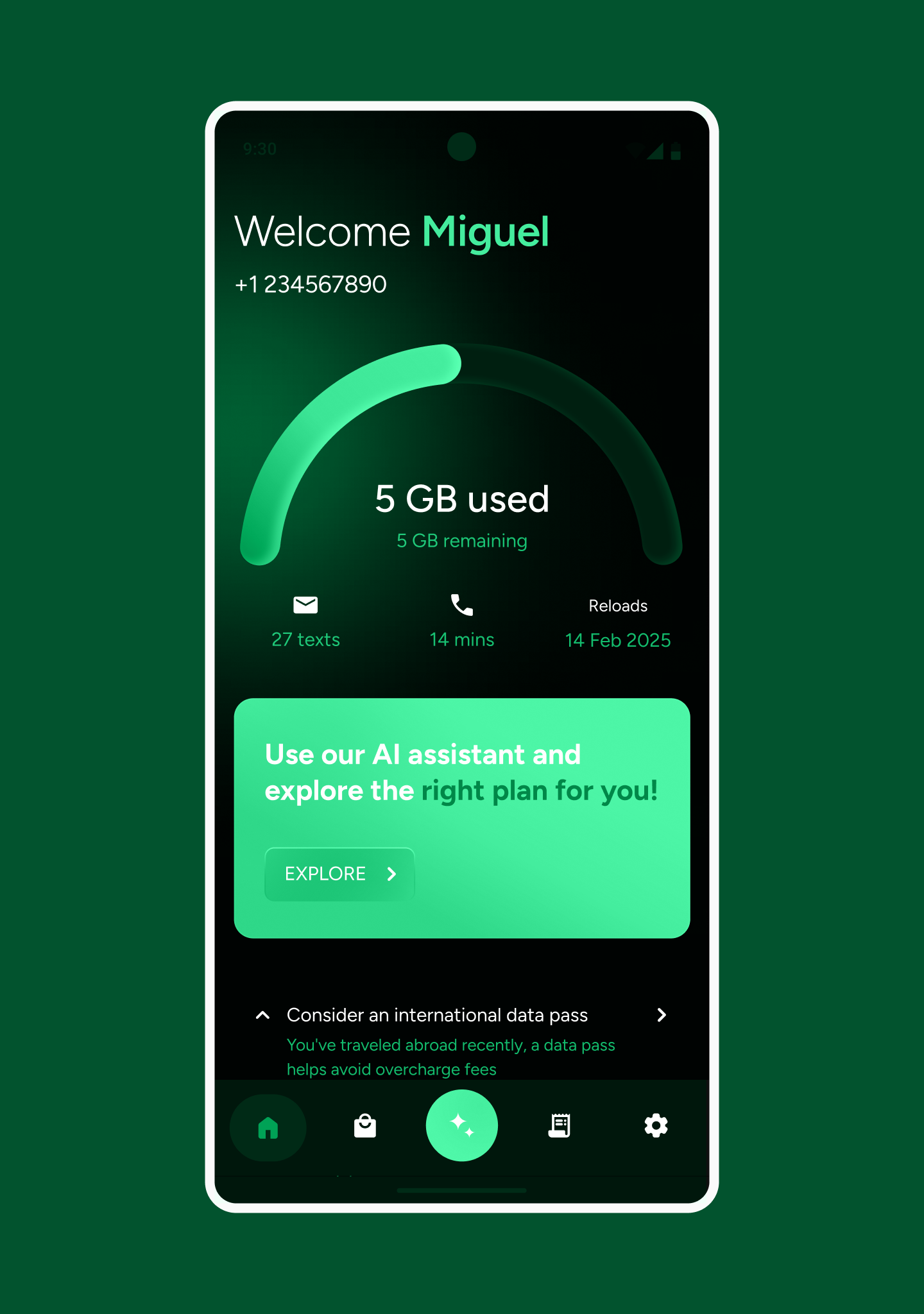
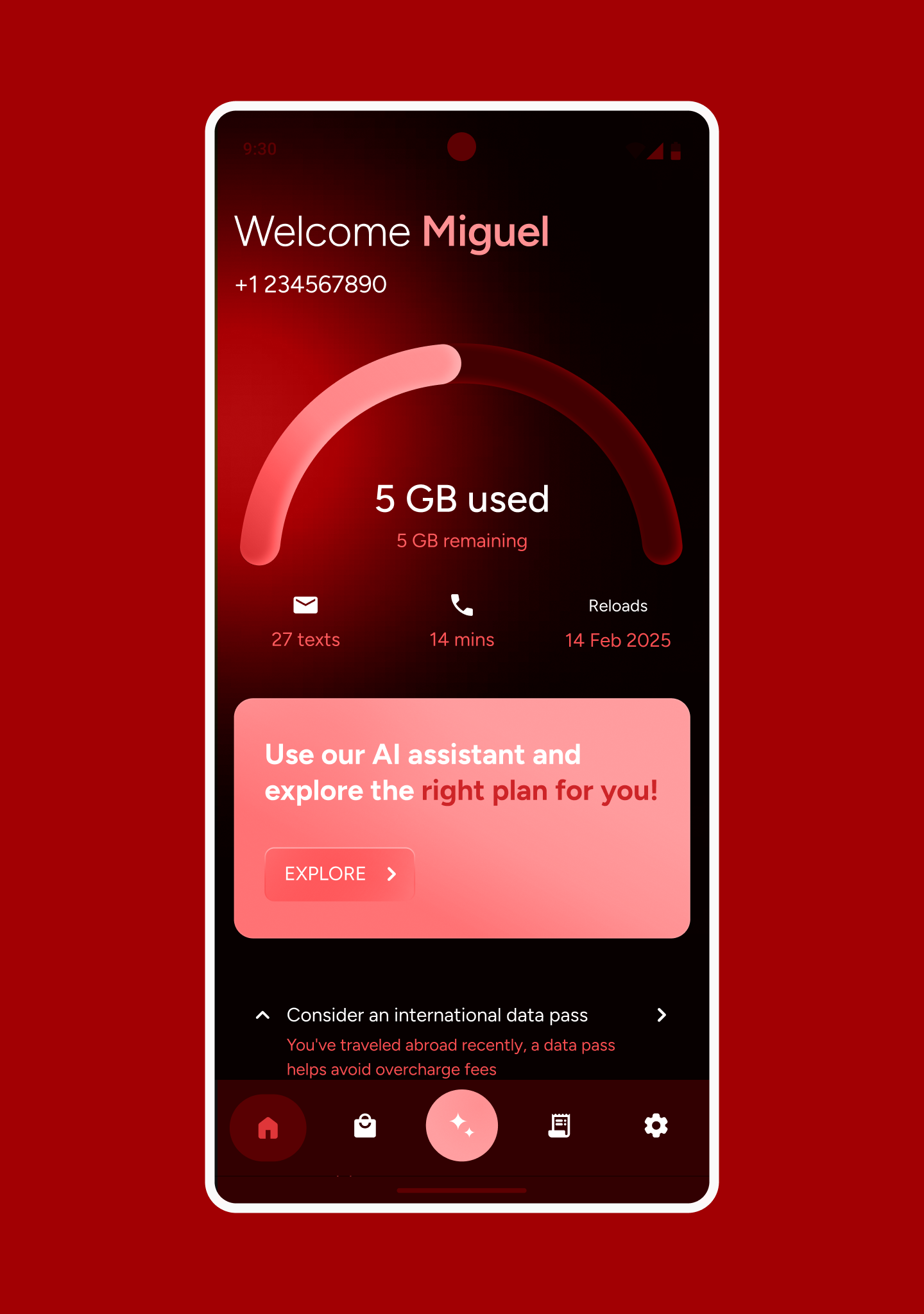
Designing a Gemini demo for the MWC floor 2025.